
Camera to cartoon: you, drawn as a character, live
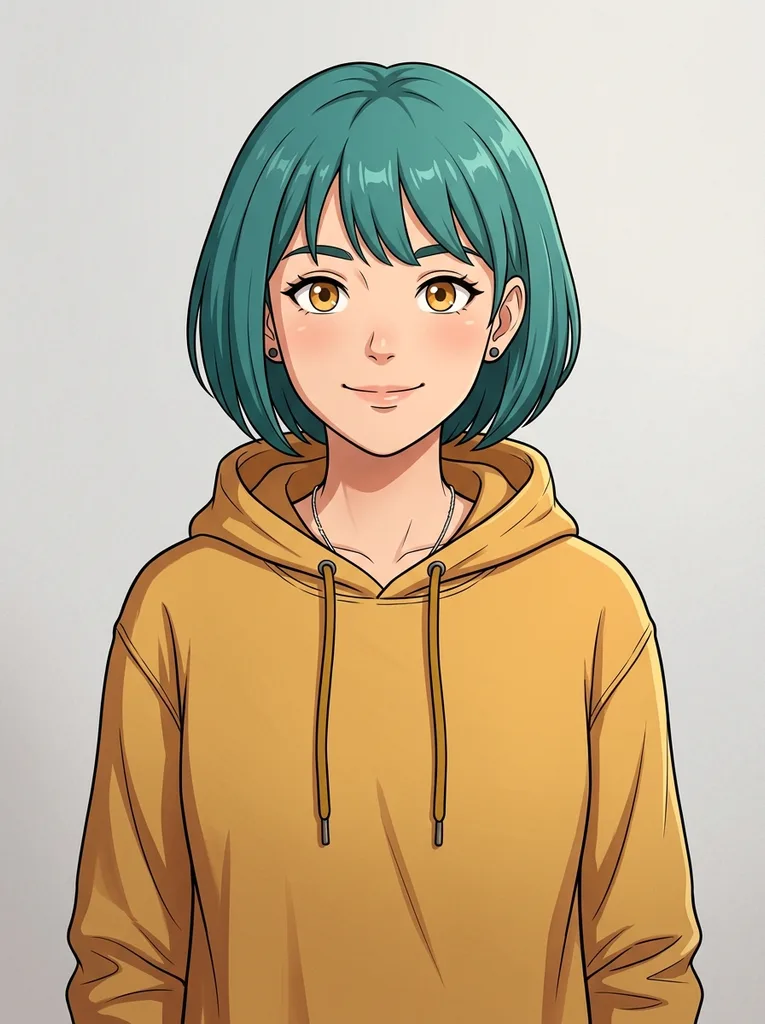
This tool turns your webcam into a cartoon character. You pick a character, such as an anime girl with teal hair or a cartoon otter in a raincoat, or upload your own character image. The character then replaces you on screen and follows your head and hands as you move, while your real room stays behind it.
It works on the live camera only, never on a photo or a recorded video. The cartoon plays in the Live AI output tile on this page, about half a second behind you. Your first picture usually appears within a few seconds of pressing Start.
Camera to cartoon fits a video chat where you want a character on screen, a stream with a mascot face, or just playing in front of the webcam. Pick a character, press Start and see how your movements carry over.
Made for
- Video chats
- Streamers
- Content creators
- Teachers
- Cartoon fans
Camera to cartoon: set up your camera and character
A few minutes of prep decide how the cartoon looks.
- Use a character image with one character facing the camera, as clear as you can find.
- Upload JPG, PNG or WebP, up to 10 MB.
- Use art you drew, generated or have the right to use, not someone else's character.
- Sit so your head and shoulders fill the frame: an upper-body webcam shows only the upper body of the character.
- Keep one person in front of the camera, because one character is shown per session.
- Keep this tab in front, since browsers slow down video in background tabs.
- Use a desktop browser with a laptop or USB webcam, where we have tested it.
How to use camera to cartoon in three steps
- 1
Open your camera
Press Open camera and allow access. The preview shows without signing in; starting a session needs an account with credits.
 2
Pick a character
Choose a ready-made character or upload your own image with Upload. You can keep several uploaded and pick one.
- 3
Start and move
Press Start Cartoon Camera and wait a few seconds for the first picture. Pick another character during the session and it shows in about 4 seconds. Press Stop when you are done. Your cartoon plays live, so there is nothing to wait for or download afterwards.
Camera to cartoon live vs photo cartoonizers
Three ways to get a cartoon version of yourself, compared by type.
| This tool | Photo cartoonizer | Cartoon camera app | |
|---|---|---|---|
| Works on | Your live webcam | A photo you upload | Your device camera, live |
| What you become | A character from a reference image | Your photo redrawn in an art style | Your picture with a cartoon or ink effect |
| Moves with you | Yes, gestures carry over | No, a still image | Yes |
| Install | Nothing, it runs in a browser tab | A browser tool or an app | An app |
| Output | Live in the page, no file | A downloadable image | Recorded video and photos |
| Best for | Chats, streams and play | Profile pictures and cards | Filmed clips and snaps |