
What a live cam feed changes for the face swap
A recording is rendered once and finished. A live camera never stops, so the swap follows every frame: your head turns, your mouth moves and the reference face moves with it.
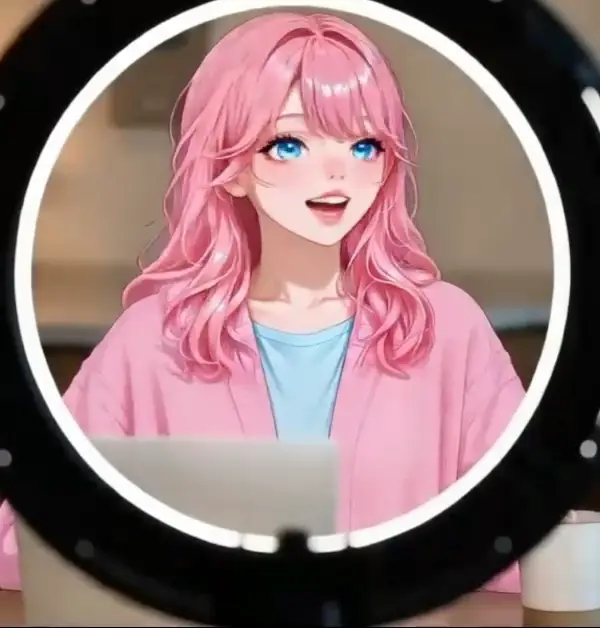
The swapped video plays in the Live AI output tile beside your camera, about half a second behind you in our tests. That is the delay you will notice when you talk.
Before you start, both tiles play a recorded example marked AI-generated, so you can see what the output looks like. Your own swap replaces it once the session is live.
How a live cam session runs
After you press Start Face Swap, the first swapped picture usually shows up in about 7 to 12 seconds in our tests: the reference face uploads, the session sets up and the connection opens. If none arrives within 20 seconds, the session stops and is not charged.
A session lasts up to 30 minutes. It ends when you press Stop, close the tab or run out of credits. To keep going after the 30 minutes, start a new session. Only one live session can run per account at a time.
An AI face swap live camera session is only as steady as its input. Results depend on your lighting and connection, so compare the output with your own face before you rely on it.
How to run an AI face swap live camera session
Three steps from a cold start to a live swap.
- 1
Open your camera
Press Open camera and allow access in the browser. The preview works before you sign in and nothing is recorded. There is no microphone, so the tool carries no sound.
- 2
Upload one reference face
Add a clear, front-facing JPG, PNG or WebP photo of one face, up to 10 MB. You can upload several faces in one visit and pick which one to wear, or remove one you no longer want.
 3
Start the swap and stay on the tab
Sign in, press Start Face Swap and keep this tab in front. Browsers slow video in background tabs, so the swap drops frames when you switch away. The status line moves from Connecting to Live and shows the time left.
What an AI face swap live camera session costs and keeps
Billed per second, only while it runs
One credit is one second of live swap. In our test a 17-second swap used 17 credits. A session needs at least 10 seconds of credits to start, and the swap stops when they run out. Credits are not on sale yet, and there is no free trial.
Your camera video is not saved by us
Your camera video is never recorded or saved by us, and your reference photo goes straight to the face-swap model, never to our servers. Your video travels to the face-swap model over an encrypted connection, and the swapped video comes straight back to your browser.
Live camera only
The swap runs on your live camera. It does not change photos or recorded videos, and the tool has no recording or download button. To keep a copy, record your own screen with other software.