
A real time AI avatar for streamers and creators
A character takes your place on camera while your room and movements stay real.
Faceless streams
Show a mascot instead of your face and keep talking to chat as yourself. Capture the browser window in OBS and tell viewers the character is AI.
A channel mascot
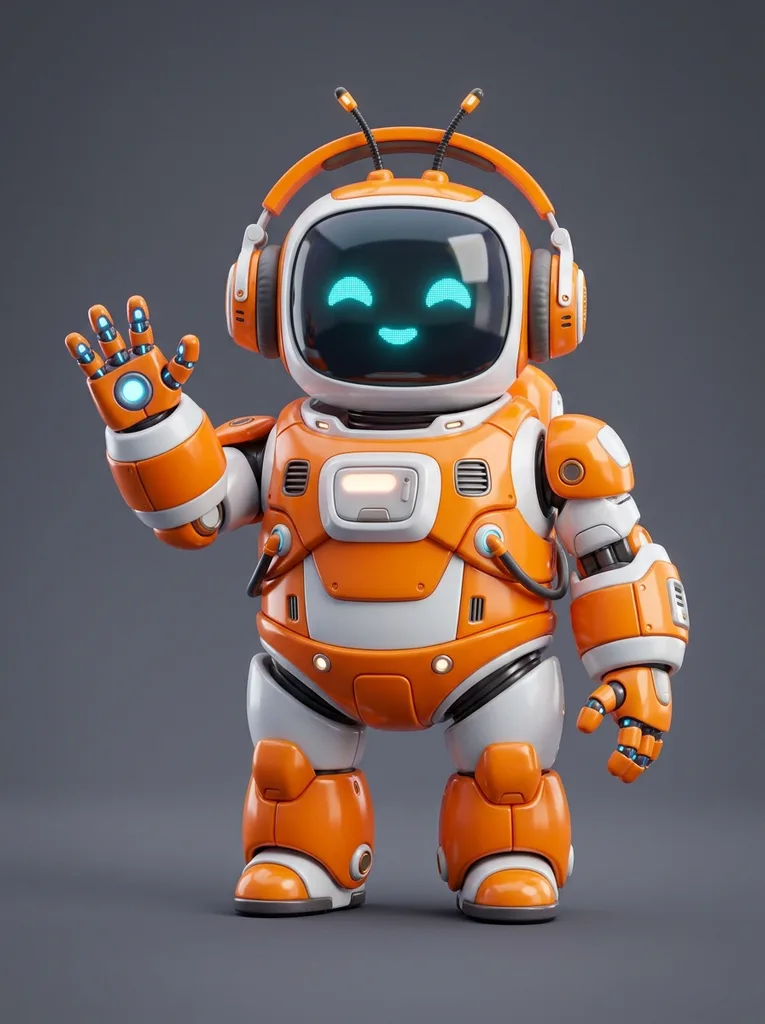
Pick the orange robot or the pink axolotl, or upload your own character image. Your head turns and hand gestures carry over to the character. The character is a preset or an image, not a rigged model.
Tutorials and explainers
Present at your desk as a character without hiring an animator. A normal webcam shows your upper body, so the character appears from the chest up.
Trying a character first
See how a design looks when it moves before you commission a model for it. Switch to another character mid-session and the new one shows in about 4 seconds.
Screen-recorded clips
The tool does not record, so use your own screen recorder on the browser window. Good for short intros, reactions or a live Q&A saved afterward.
Live chat and Q&A
Answer questions as a character while chat sees a face that is not yours. Your own voice and timing stay yours, since the tool never touches audio.
How to start a real time AI avatar
- 1
Open your camera
Press Open camera and allow access. The preview shows without signing in; starting a session needs an account with credits.
 2
Pick a character
Choose the orange robot or the pink axolotl, or upload your own character image with Upload.
- 3
Start and stream
Press Start AI Avatar and wait a few seconds for the first picture. Capture the browser window in OBS to stream it, and press Stop when you are done.
A real time AI avatar compared with a rigged VTuber setup
What changes when one image replaces a model file and tracking software.
| Rigged VTuber model | Browser 3D avatar | This tool | |
|---|---|---|---|
| What moves | A drawn model that copies your face | A 3D avatar that copies your face | A character in your real room with your gestures |
| Character source | Commissioned or bought model file | Sample avatar or model file | Preset mascot or one image you upload |
| Setup | Tracking and streaming software | Open a web page | Open a web page, sign in, press start |
| Into OBS | Game or window capture | Window capture or virtual camera | Window capture only |
| As a camera in calls | Yes, with a virtual camera | With an extension or app | No, there is no virtual camera |
| Cost | Model plus software | Varies by tool | Credits, one per second of live session |
What happens to your camera and your character image
The limits and the money, before you start.
Your camera and image
Your camera video is never recorded or saved by us, and your reference photo goes straight to the face-swap model, never to our servers. Your video is not stored on our side, and no other user can see your session.
What it costs
A session uses one credit per second, only while it runs. If no picture shows within 20 seconds, it stops and is not charged. Credits are not on sale yet: without credits you get an email waitlist.
Tell viewers it is AI
Use your own character or art you have permission to use, and do not impersonate anyone. You must be 18 or older, and the character should be disclosed as AI to your audience.
What it does not do
It works on your live camera only, with no recording, download, voice changer or virtual camera. A session lasts up to 30 minutes, and it is tested in desktop browsers. Keep the tab in front, because background tabs drop frames.